
Payroll Issues: First Steps to Resolution
How to enter a ticket
Last modified 4/10/2026
For reporting pay discrepancies, you need to enter a payroll ticket.
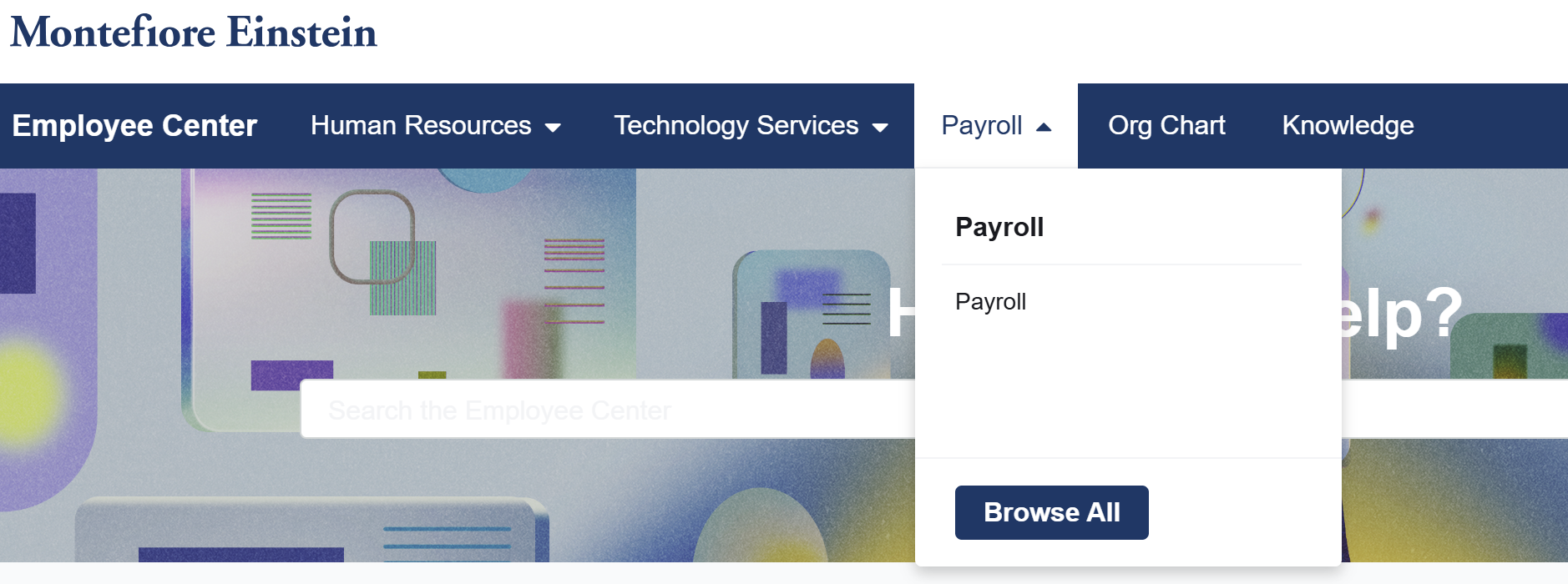
To enter a payroll ticket, you need to access the ServiceNow website. http://Montefiore.Service-Now.com
Missing pay examples when the manager or timekeeper MUST enter the ticket:
Missing overtime pay for a missed break
Missing an overtime shift in my paycheck
Inaccurate holiday worked pay
Inaccurate hours worked
Missing float differential
When can I place my own ticket for errors?
Some examples below:
Delayed tuition reimbursement
Inaccurate hours in my bank (Vacation, hospital holiday, personal holiday, and sick time)
Missing/inaccurate experience differential rate
Missing differentials
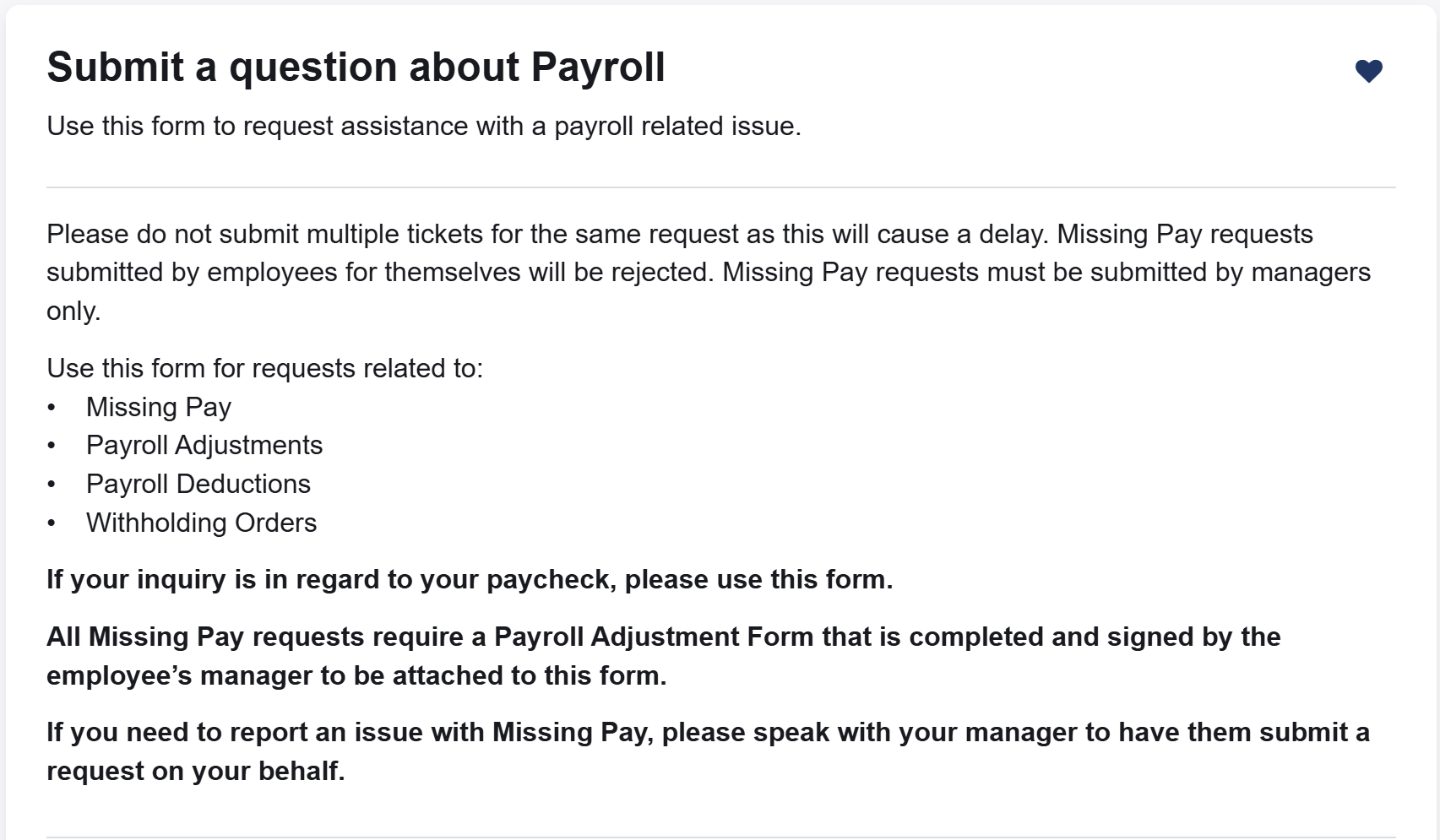
Please note: All Missing Pay requests require a Payroll Adjustment Form that is completed and signed by the employee’s manager to be attached to this form.
If you need to report an issue with Missing Pay, please speak with your manager to have them submit a request on your behalf.
FYI - Monte still hasn’t given us this information formally, so we’re not 100% sure about differentials (whether a manager/timekeeper must enter the ticket or whether we can ourselves).
Under the Payroll drop down, select “Payroll” (The only option..)
Select Payroll if your request is related to:
Paycheck questions
Payroll deductions
Incorrect salary
Garnishments and more
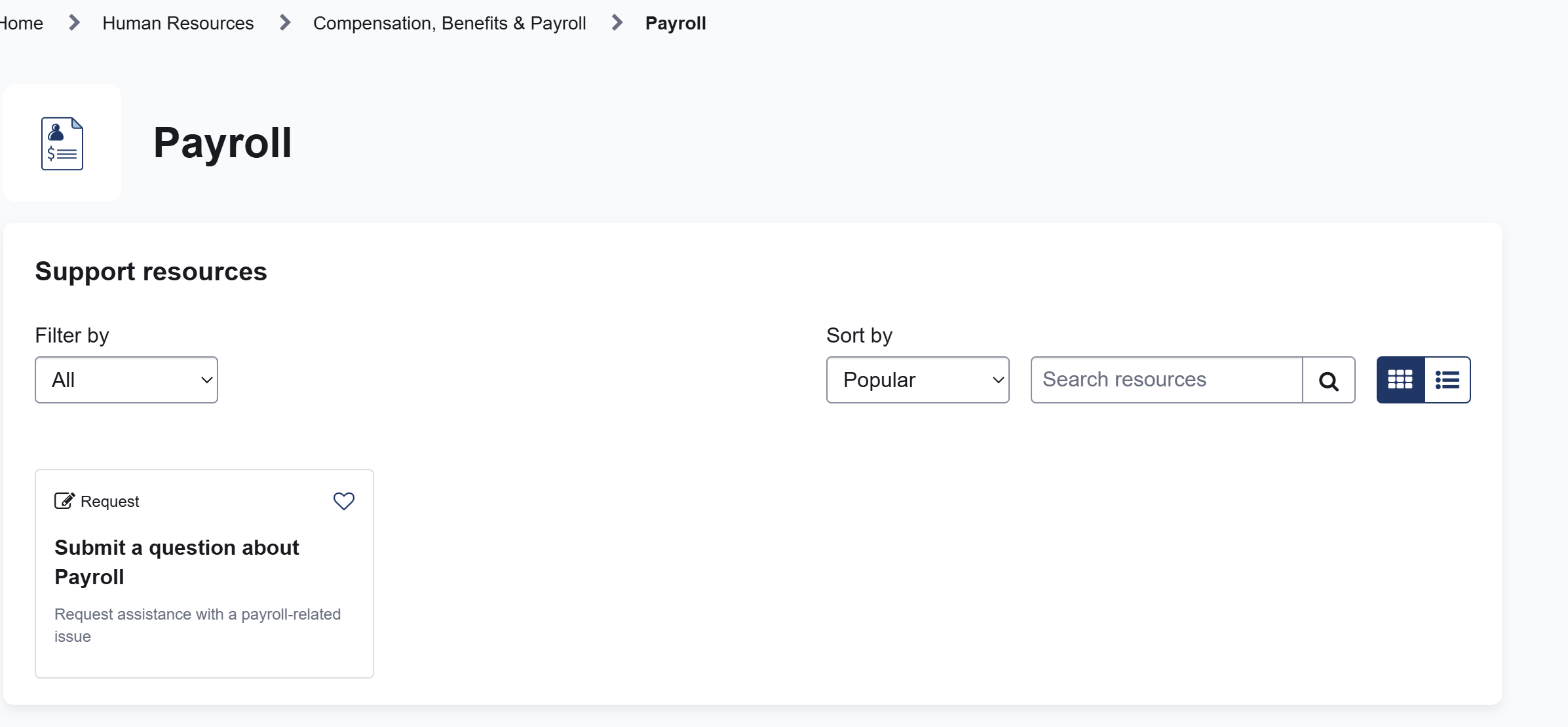
Click on “Submit a question about Payroll”
PROVIDE ALL THE DETAILS WHEN SUBMITTING THESE TICKETS.
HR/Finance reported a delay in processing due to requiring further information.
Also, do not submit multiple tickets for the same issue.
When escalating the payroll discrepancies (after the ticket is entered), please include ticket number in your conversations.
Once you have your ticket number, you should report your payroll issues to NYSNA using the form below.
NYSNA Payroll Issue Form: https://nysna.tfaforms.net/5111063