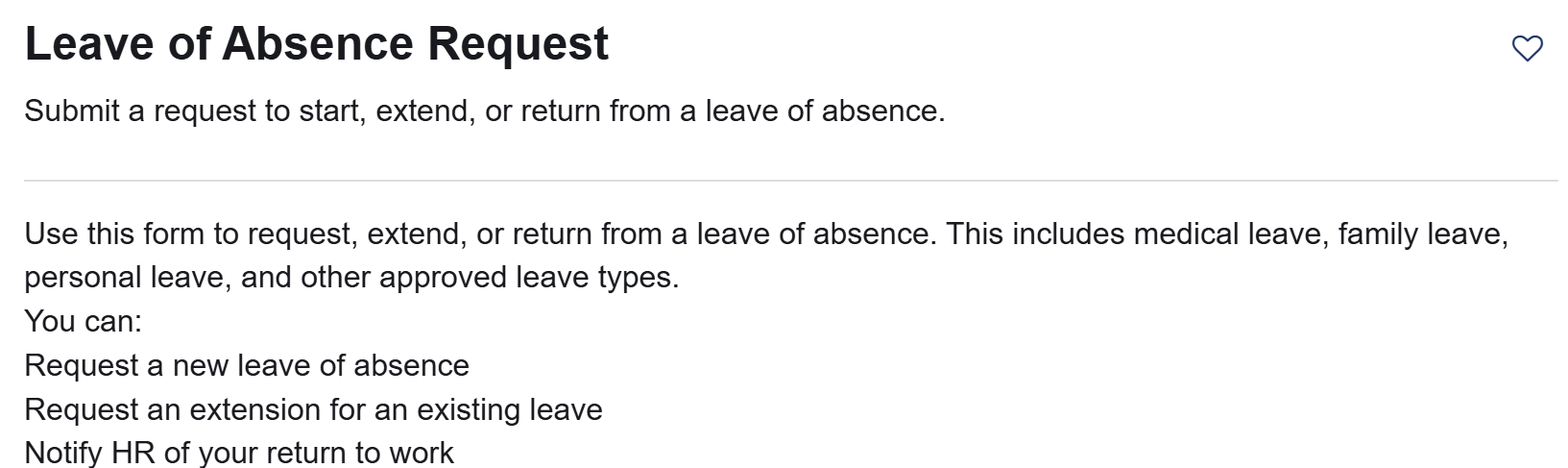
Leave of absence requests are to be submitted through ServiceNow
A form must be submitted on ServiceNow.
To locate the form, you would look under “Human Resources” —-> —-> “Benefits, & Compensation” —-> “Leave of Absence”
To assist in the process for FMLA leaves we are attaching the forms to submit to your provider for verification of FMLA need. Prior to the HR transition these were the forms Central Leave required an employee to submit.
These are forms that they will ask you to fill out FIRST when requesting a LOA.
ServiceNow = The new HR Website
You will need to enable Multi-factor Authentication on your personal device to access these sites outside of the hospital.
If you don't already have access to your Monte stuff at home - You call IT, 718-920-4554, to get multi-factor access (which will let you get into Workday/UKG/email at home)
The main websites you will utilize are: UKG, Workday, and ServiceNow.
UKG: https://montefiore-sso.prd.mykronos.com/wfd/home
Workday: https://wd12.myworkday.com/wday/authgwy/montefiore/login.htmld
ServiceNow: http://Montefiore.Service-Now.com
There are many job aids posted on the HRWS SharePoint page. UPDATE - you can still see previous paystubs. Instructions can be found here.